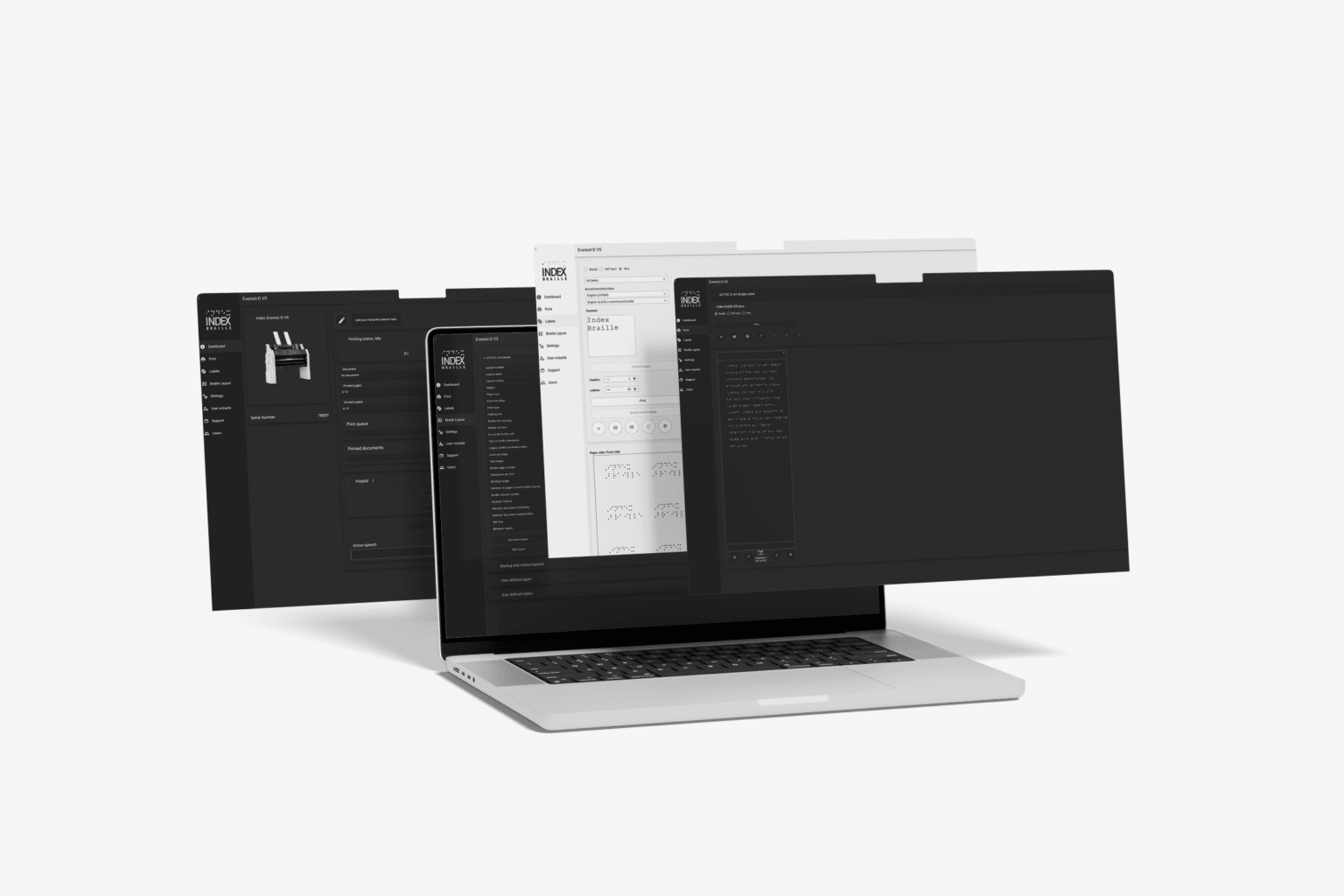
The unique Index Web Interface, included free of charge in all V5 embossers by simply having your embosser connected to network you can utilize the Web Interface to change embosser settings, preview files, print, among other things.
FIRMWARE VERSION 3
The new and improved Web Interface in FW3
We have redesigned the Web Interface to make it better and easier to use with more improved functionality including a new Dashboard where you find all your favourite functions.
You have now access to the control panel directly on the Web Interface for easier control of the embosser.
We have also introduced a queue function for the first time so you can queue up multiple documents directly.
FIRMWARE VERSION 2
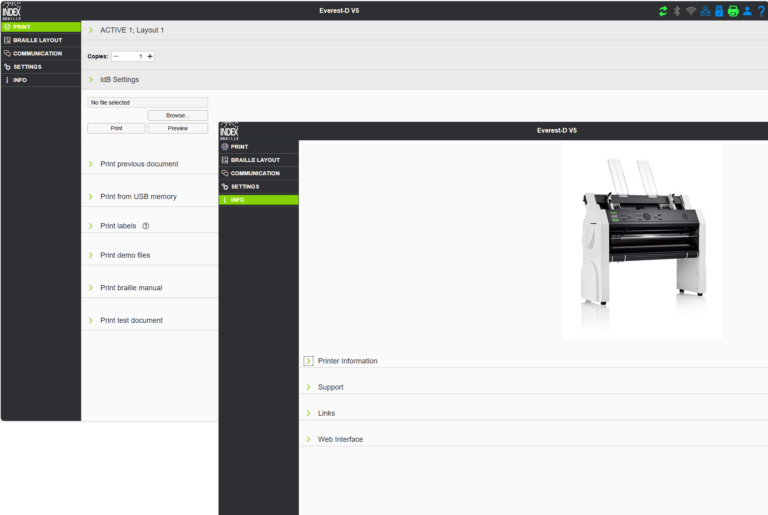
Web Interface in FW2
When the Index V5 Embosser is connected to a network, you can use the Web interface to edit embosser settings and print files.
The Web Interface is used from a device, which can be a computer, tablet or smartphone.
Please note that the Web Interface in FW2 has limited functionality in comparison to the new updated Web Interface in FW3