

FIRMWARE UPGRADE
Index Firmware version 3
With our new Firmware version 3 we at Index have redesigned the codebase and moved to an object-oriented programming language.
This gives us the possibility to add new features and functions in the future.
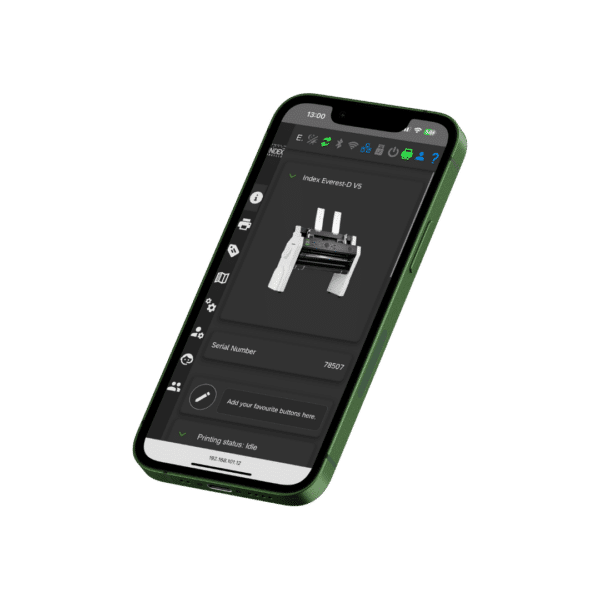
NEW WEB INTERFACE
New design and improved Web Interface
The new Web Interface in FW3 and the new dashboard is redesigned and easier to use
The new dashboard includes
• Embosser information
• Favourites
• Printing status and a print queue
• A keypad with active speech
Some of the new functions are:
• Dark mode
• Improved editing of braille layouts.
• Add more settings that can be set from the Web Interface
• Possibility to run some user wizards from the interface
• Improved user management with different roles for each user
• Improved the preview of the selected braille layout
Improved security
Firmware version 3 (FW3) is built with a newer Linux kernel, and we have improved the security to follow the new standards that is required.
FIRST TIME SETUP
Easier installation and setup
With FW3 the embossers are delivered with a first time setup that will help distributors and/or end users to easily configure the embosser with the settings they prefer. The first time setup has the following options.
1. Accept factory settings
2. Transport locking wizard
3. Firmware update
4. Restore settings from a backup on the USB device
5. Change speech settings
6. Select braille layouts
7. Print Getting Started
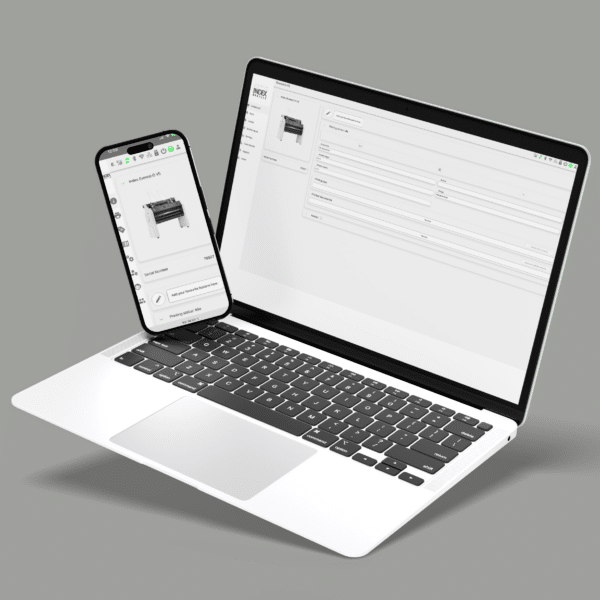
UPGRADE TO FW3
How do I get Firmware version 3?
To upgrade your embosser to FW3 you need to have an embosser with the board type 1366.
The upgrade is performed with an offline file that you get from the link below.
Download and put the zip file in the root folder on a USB stick and then insert the USB stick in your embosser and perform the offline update.
If you don’t have an embosser with the board type 1366 then don’t worry, you can simply buy an update package to get the new board and be able to get the new improved FW3. Please contact your local distributor.