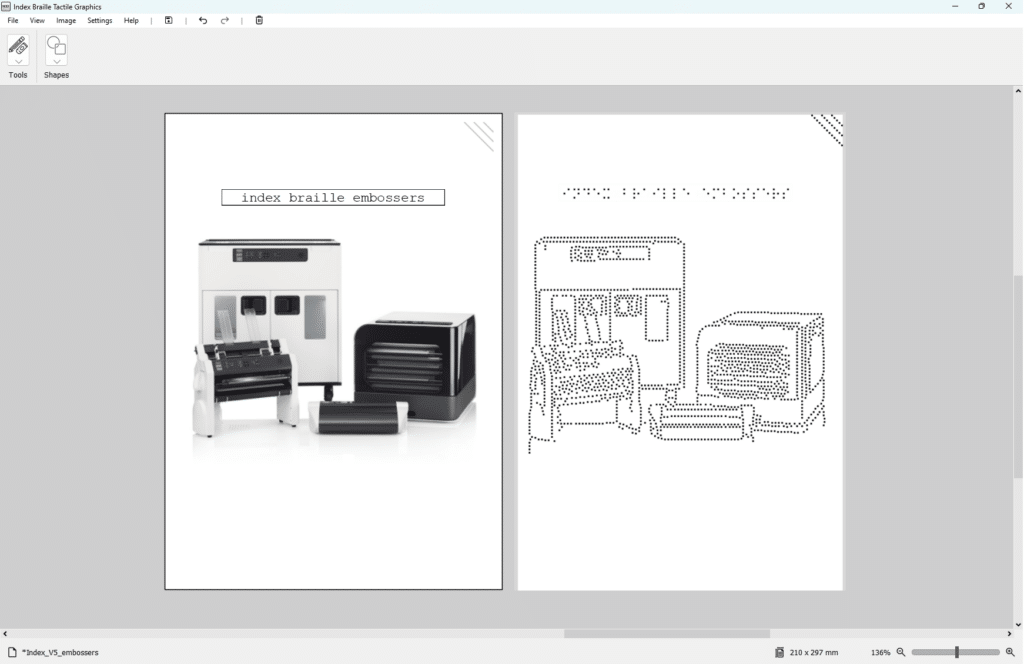
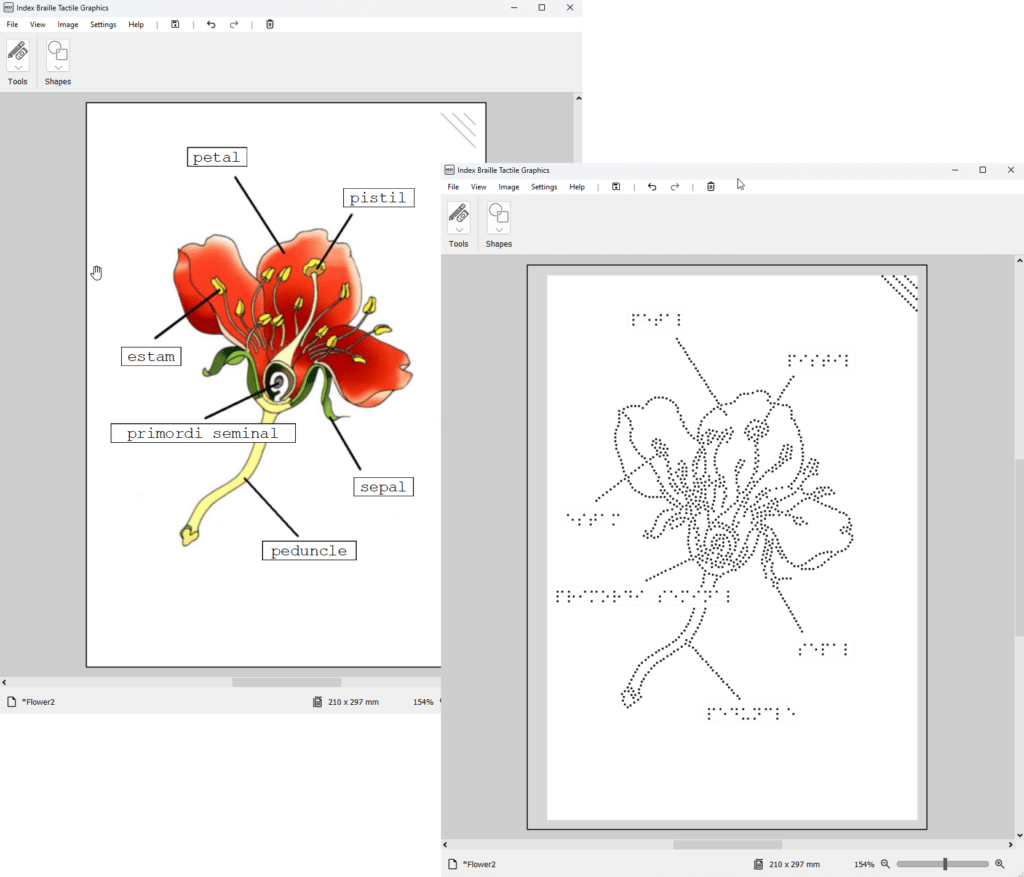
Our own developed free of charge Index Braille Tactile Graphics software
EASY TO USE
This is Index Braille Tactile Graphics. Faster. Easier. Free.
An easy to use, free of charge software to import and convert images to tactile graphics.
Support for SVG
Drag & Drop
Add text labels
Draw lines
Add shapes
Combine Ink & Braille
GRAPHICS
Index Braille Tactile Graphics
Powerful Features. Simple Workflow.
Import & Convert Images Instantly Bring your images into the workspace with ease and convert them into tactile graphics in just a few clicks. Wizard for combining Ink & Braille, (create dual‑mode graphics for inclusive learning and communication.)
Edit & Enhance Your Designs Draw lines, free‑hand sketch, and add squares or circles to perfect your tactile diagrams.
Add Text Labels with Built‑in Translation Translate text directly, using the built in Liblouis translator for Braille.
Direct Embossing to Index Embossers When your creation is ready, emboss directly.
SVG Support & Drag‑and‑Drop Work smoothly with more than 20 modern file formats and import contents with ease.
Create better tactile graphics. Faster. Easier. Free. Whether you’re a first time user, teacher, transcriber, or a designer creating tactile materials, this software gives you the tools you need – without cost or complexity.