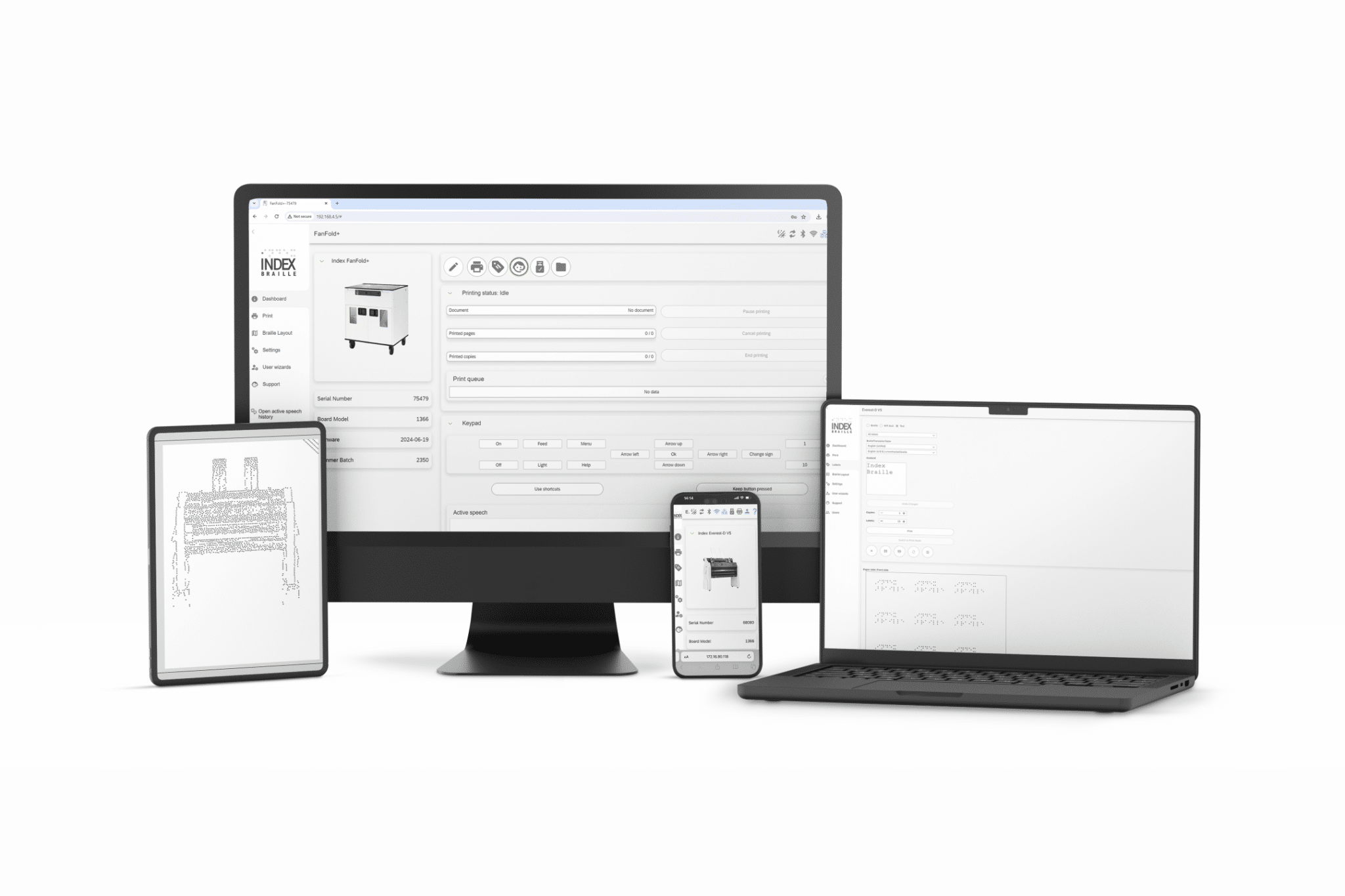
From first time users to experts, learn to print braille with ease.
EASY TO USE
Index Web Interface
The unique Index Web Interface, included free of charge in all V5 embossers, is a game changer. No installation or registration is needed. Simply connect your embosser to a wired or Wi-Fi network and you can print files, manage braille layouts, edit embosser settings, and view braille embosser information. The Web Interface can be used from any device with a browser, like a computer, tablet or a smartphone.
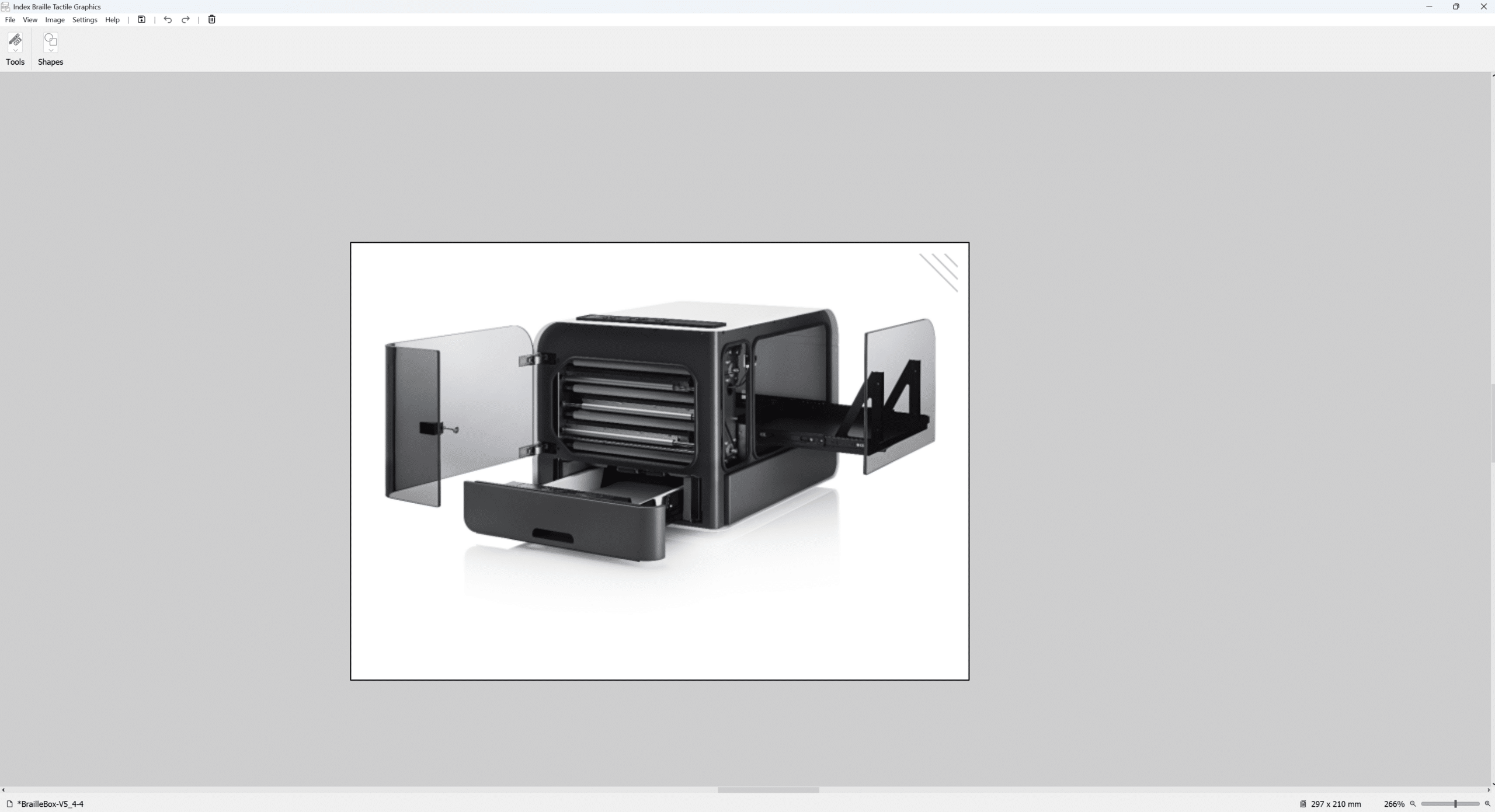
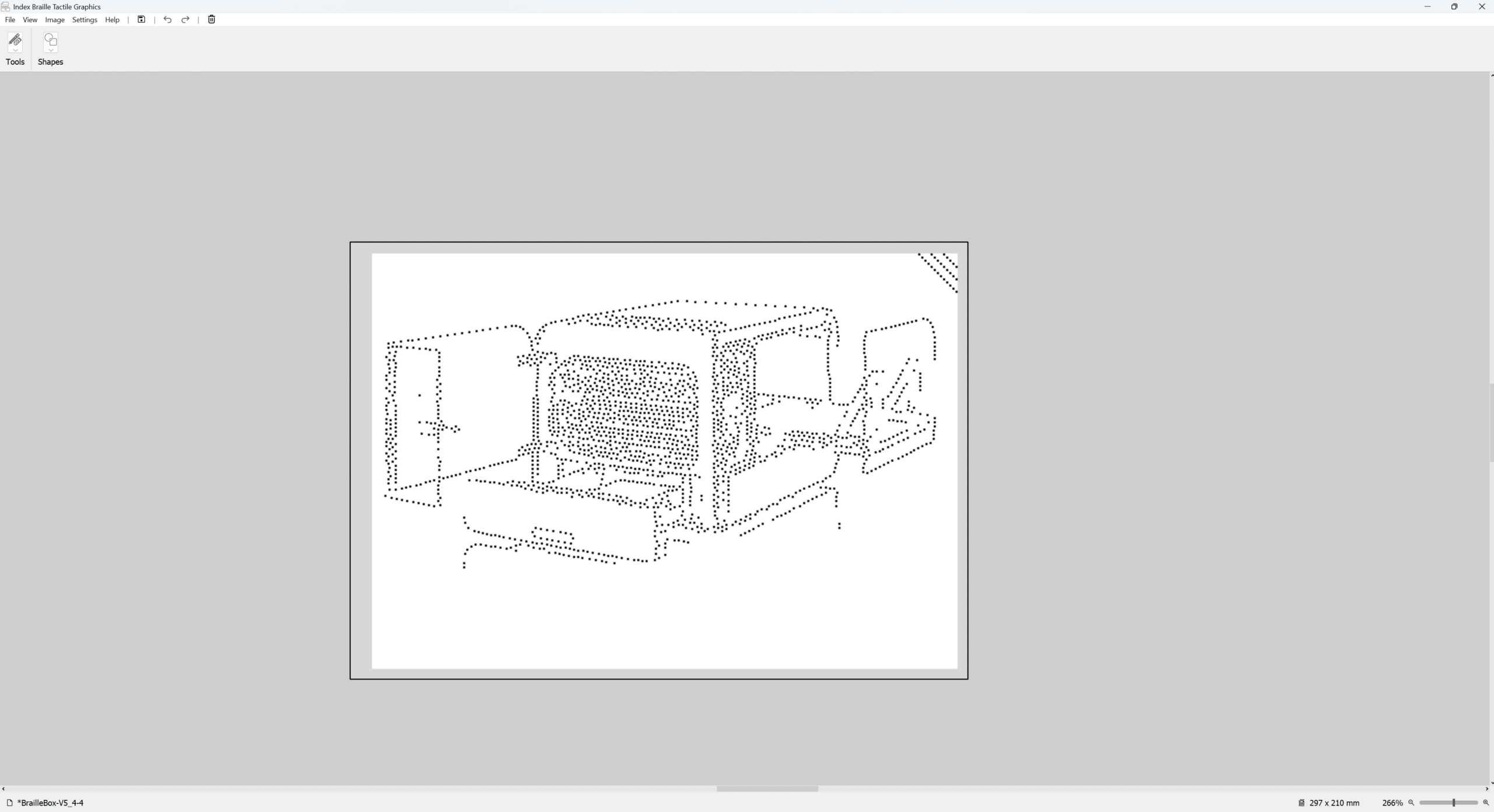
Create, edit and emboss, with all Index Braille V5 Embossers. Free of charge for all Index users Transform images into high‑quality tactile graphics with our new, easy‑to‑use software. Designed for everyone, from first time users to creators, educators, and accessibility professionals, it gives you everything you need to produce clear, accurate tactile graphics – then emboss them directly on your Index Braille Embosser.
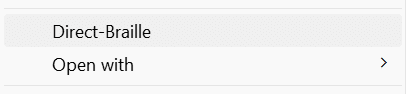
Index-direct-Braille (idB) is a free of charge built in function with our embossers and corresponding drivers.
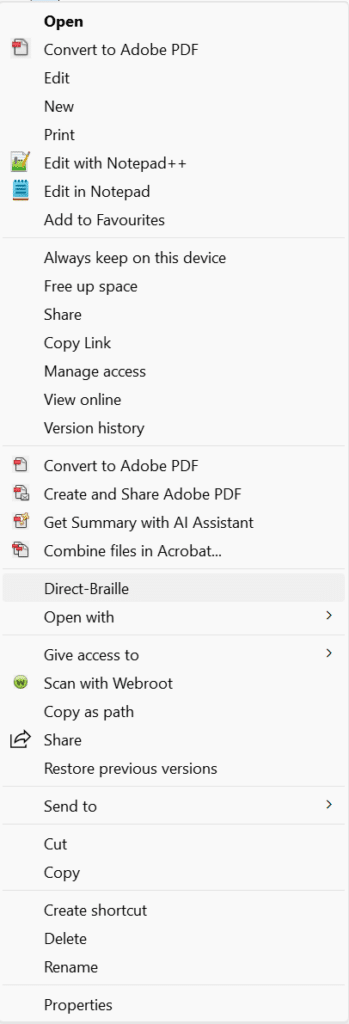
With idB you can directly send standard files to print by right clicking your file and selecting Direct-Braille.
Works on files such as docx, doc, pdf, txt and rtf.
COMPATIBILITY
Our embossers works with most third-party software
Even if we highly recommend to use our included Web interface, Index Braille Tactile Graphics or Index direct Braille (IdB) for printing, it is still possible to use most third-party software, like Duxbury, Tactile view, Biblos, BME2 etc, together with all our embossers.